


By Varun Prashar – 12+ yrs engineering + deep AI expertise, fast AI-assisted development, across fintech/healthcare/e-commerce
Updated: June 2026 · 8 min read
You’ve got a solid app idea. Maybe you’ve even started sketching wireframes on a napkin. And then someone asks the question that stops every founder in their tracks:
“So… how long will this actually take?”
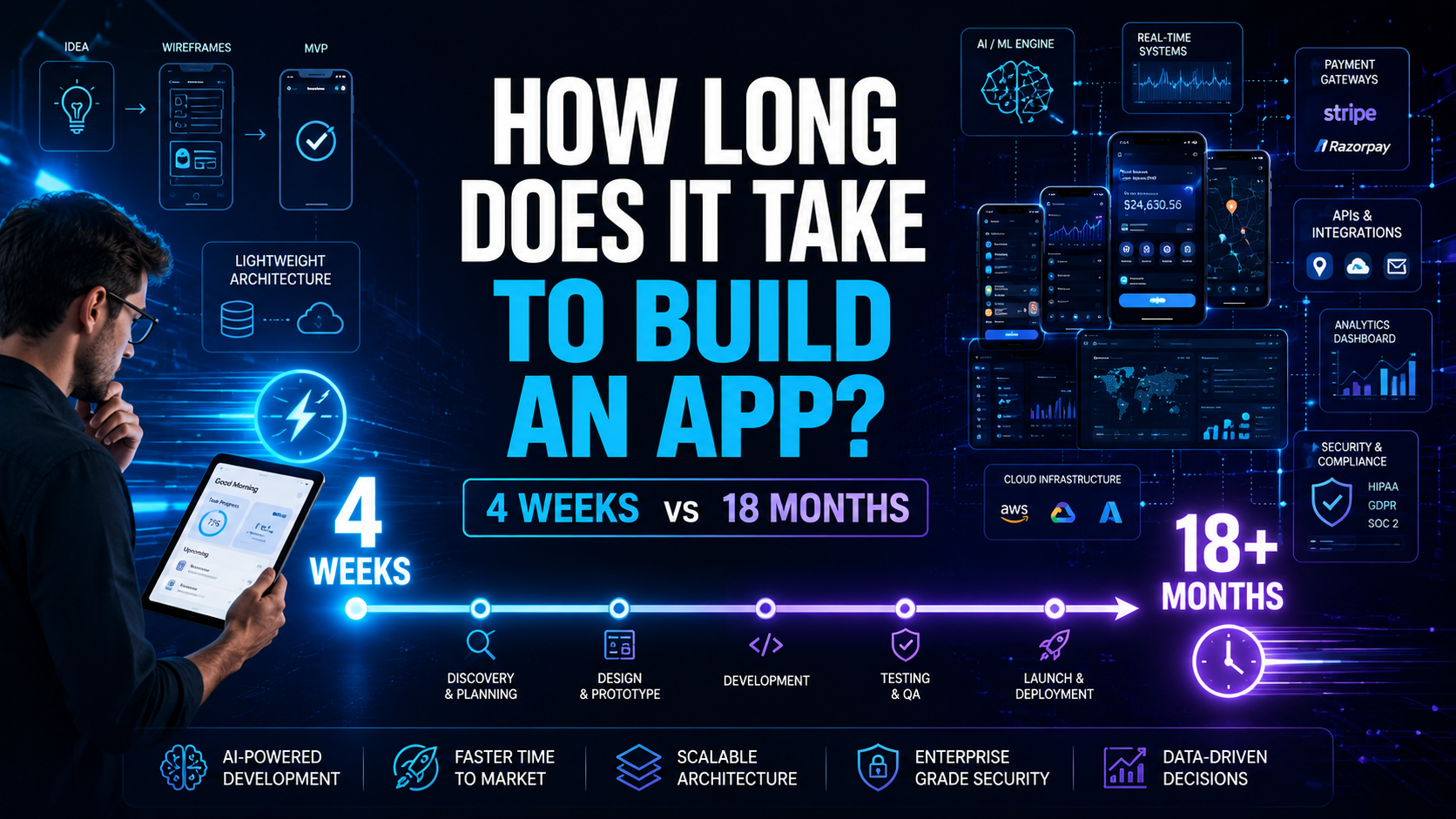
Here’s the honest answer: 4 weeks to 18+ months. Yes, that’s a frustratingly wide range. But by the time you finish reading this, you’ll know exactly where your idea falls – and more importantly, why.
The Quick Answer (For the People Who Just Want the Numbers)
App Type Realistic Timeline Simple app (basic flows, standard UI) 4–8 weeks Medium app (custom backend, payments) 2–4 months Complex app (real-time, AI features) 6–12 months Enterprise app (compliance, multi-team) 12–18+ months
| App Type | Realistic Timeline |
| Simple app (basic flows, standard UI) | 4–8 weeks |
| Medium app (custom backend, payments) | 2–4 months |
| Complex app (real-time, AI features) | 6–12 months |
| Enterprise app (compliance, multi-team) | 12–18+ months |
Most apps don’t live at the extremes. A typical funded startup’s first product lands somewhere in the 2–4 month range for an MVP and 5–9 months for a full V1.
But here’s what most agency blogs won’t tell you: the timeline isn’t really about the app. It’s about the decisions behind it.
Why Your App and Your Competitor’s App Can Have Such Different Timelines
Two founders. Both building food delivery apps. One launches in 3 months. The other is still “in development” 11 months later.
What happened?
The difference usually isn’t talent. It’s scope, decisions, and compounding complexity.
Every feature you add doesn’t just add itself – it adds:
- More design states to think through
- More backend logic to build
- More edge cases to test
- More things that can break at launch
Here are the six factors that quietly control your timeline:
1. Feature complexity A static menu app and a real-time order tracking system with driver assignment, customer notifications, and surge pricing are both “food delivery apps.” One is 6 weeks. The other is 6 months.
2. Platform choice iOS-only or Android-only? That’s one timeline. Both natively? Add 30–40% more time. Cross-platform (React Native, Flutter)? Slightly faster, but with tradeoffs in performance for certain features.
3. UI/UX depth A polished custom design with animations, micro-interactions, and accessibility takes 3–5 weeks. A good-looking but standard template-based design takes 1–2 weeks. Both can look “nice” in screenshots. The experience is different.
4. Backend and integrations This is where timelines quietly explode. A standalone app with no third-party tools is fast. Add payment gateways, Google Maps, push notifications, CRM sync, analytics, email providers – and you’ve added weeks, sometimes months. A single poorly documented API integration can add 2–3 weeks alone.
5. Team structure and process A 4–6 person team with clear processes is often faster than a 12-person team where everyone is waiting on everyone. More people doesn’t equal faster delivery – it often means more coordination overhead.
6. AI features Everyone wants AI in their app in 2026. That’s fine. But AI features – recommendations, chatbots, search, personalization – require additional infrastructure, data pipelines, and testing. Adding an AI layer typically adds 4–8 weeks to a project that would have been straightforward without it.
What Actually Happens During Development (And How Long Each Stage Takes)
Most people assume “building an app” means coding. In reality, coding is only one phase of five.
Stage 1: Discovery & Planning – 1–2 weeks
This is where scope is defined, features are prioritized, and architecture is decided. It sounds boring. It’s actually the most important stage.
Teams that skip thorough discovery end up rebuilding things mid-development. That “saved” week becomes a wasted month.
Stage 2: UI/UX Design – 2–4 weeks
Wireframes come first (the skeletal layout). Then high-fidelity mockups (the visual design). Then a prototype you can actually click through.
A critical mistake founders make: treating design as decoration. In reality, late design changes – “can we just move this button?” – can cascade into days of development rework. Design decisions made before development starts are free. Design decisions made during development are expensive.
Stage 3: Development – 4–12 weeks (the big variable)
Frontend (what users see), backend (the logic and data), and integrations (the third-party tools). This is where the most time is spent and where scope creep does its worst damage.
Every scope change mid-development typically costs 1–2 extra weeks once you account for replanning, rebuilding, and re-testing.
Stage 4: QA & Testing – 1–3 weeks
Device testing, performance checks, bug fixing, edge case hunting. If you’re building for both iOS and Android, you’re testing on dozens of device-OS combinations.
Here’s the painful truth about skipping this: teams that compress QA to protect a launch date usually miss the launch date anyway – because critical bugs surface after the app is “ready,” and you’re back to fixing while users are watching.
Stage 5: Launch & Deployment – About 1 week
App store submission, monitoring, release prep. Native apps still face review times (Apple takes 1–3 days on average, though it can vary). This isn’t where timelines go to die, but it’s where impatience tends to create rushed, last-minute fixes.
MVP vs. Full App: The Decision That Changes Everything
If you’re a startup founder, this section is the most important thing you’ll read today.
An MVP (Minimum Viable Product) is a version of your app that solves the core problem and nothing else. No nice-to-haves. No admin dashboard. No settings page with 14 toggles.
MVP timeline: 8–16 weeks Full V1 timeline: 5–9 months
The math on why MVP-first works:
Most startups waste 30–40% of their development budget building features that users never actually use. An MVP surfaces that truth before you’ve spent everything. You launch, you learn, you build what people actually want.
More importantly, a smaller scope creates a smaller surface area for everything – design, testing, backend, launch risk. The same quality team moves significantly faster with half the features.
A real comparison:
- Fitness app MVP (workout tracking, progress logs, basic social): 6 weeks
- Fitness app full V1 (above + coaching marketplace + AI recommendations + wearable sync): 7 months
Same category. Very different projects.
The Real Reasons Apps Get Delayed (That Agencies Don’t Like to Admit)
Scope creep. The #1 killer. “Can we just add one more thing?” – said eight times – is now four extra months.
Underestimated integrations. Third-party APIs look simple until you’re actually building with them. Poorly documented payment gateways, finicky map APIs, and legacy CRM connectors are timeline grenades.
Late design changes. A rebrand or UI overhaul midway through development is one of the most expensive things a founder can do. Not in agency fees – in wasted developer hours.
Slow decision-making. Every day a stakeholder takes to approve a design or confirm a feature, development waits. Two-week approval cycles on a 3-month project are a quiet disaster.
Compliance surprises. Building a health app? Financial app? The regulatory requirements you discover in month 3 can add 2–4 months of work.
How to Actually Speed Up Your App Timeline
Counterintuitively, the fastest way to launch faster is to build less – but build it right.
Cut features ruthlessly before development starts. Ask: “Would users abandon our app if this feature wasn’t there?” If the answer is no, cut it from V1.
Use cross-platform frameworks when it makes sense. React Native and Flutter can significantly cut development time for apps that don’t require cutting-edge platform-specific features. Not right for every app – but worth evaluating.
Invest more time in discovery. Counterintuitive, but a thorough 2-week discovery phase prevents 6 weeks of mid-development rework.
Don’t compress QA. Protect this phase like you’d protect launch day. Because skipping it makes launch day worse.
Make decisions fast. The development team’s speed is directly limited by how quickly you can answer questions and approve decisions.
Real Examples (So This Isn’t Abstract)
- Community app MVP (profiles, groups, basic chat): 8 weeks
- Marketplace app (two-sided, with listings, payments, and reviews): 4 months
- Logistics tracking app (real-time GPS, driver app, admin dashboard): 5 months
- AI-powered hiring tool (screening, matching, automated outreach): 8+ months
- Healthcare compliance app (with HIPAA requirements and EHR integrations): 12+ months
The apps that took the longest weren’t badly managed. They were genuinely complex. The apps that launched quickly weren’t cutting corners – they were disciplined about scope.
| Get a Free Timeline Estimate for Your App Tell us your idea in 2 minutes. We’ll send you a realistic phase-by-phase timeline – no sales call required, no commitment. [Get My Free Timeline →] |
So, How Long Will Your App Take?
Here’s the honest truth: there’s no universal answer. The same idea, given to two different teams with two different scopes and two different decision-making speeds, can produce timelines that differ by 4–6 months.
What you actually need is someone to look at your specific idea – your features, your platform choices, your backend requirements – and give you a realistic timeline and roadmap before you commit a single rupee.
Not an estimate range from a blog. A real answer for your real project.
👉 See Our Timeline: Get a custom app timeline in 15 minutes – no guesswork, no vague ranges.
The difference between apps that launch in 3 months and apps still “in development” a year later usually isn’t money or talent. It’s clear. Get yours before you start.